
ERPNext POS · 04 / Make a sale
ERPNext POS Checkout Guide: From Opening to Receipt
Follow a practical ERPNext POS checkout checklist for opening a session, selecting products, recording payment and issuing a receipt.
By 1 POS Pay · · 3 min read
Start with the right session
Sign in with your own user account and open Point of Sale. Select the assigned profile and review its company and warehouse. Complete the opening session process and enter the actual starting cash float when required. Avoid shared cashier accounts so each shift has a clear owner.
Use a training environment for practice. An invoice submitted in production can create real accounting and stock effects; it should not be used as a harmless demonstration.
Build and review the sale
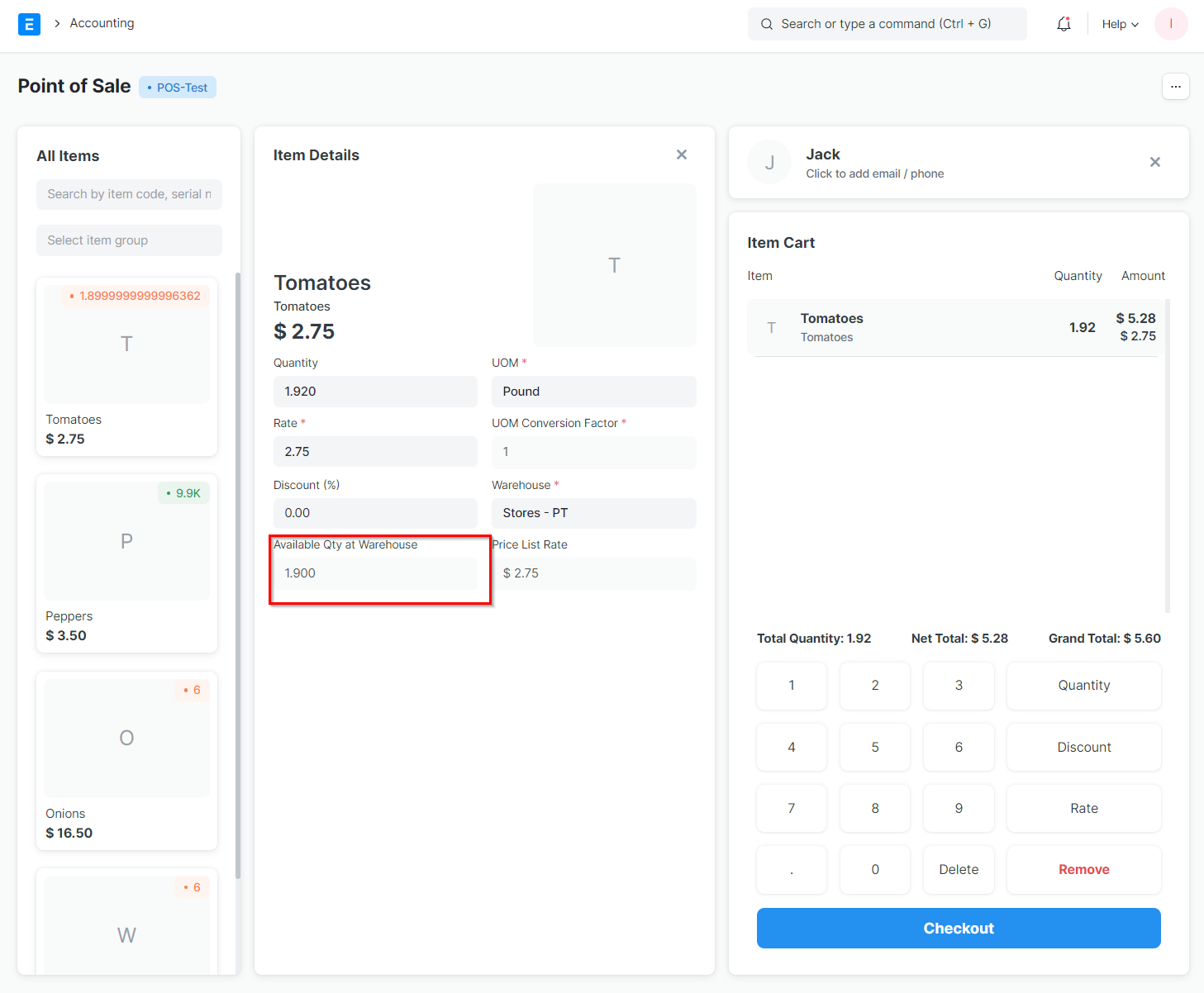
Select the correct customer. Add each product and check its variant, quantity, unit and price. If a barcode identifies the wrong item, stop and correct the product data instead of working around it with an unrelated item.
Review discounts, tax and the final total with the buyer. Use a named customer when the invoice must identify the buyer. A walk-in customer is a convenience for appropriate counter sales, not a replacement for required customer details.
Record only the payment received
Open the payment section and choose the actual method. If Cash has been filled automatically, replace that allocation when the customer pays by another method. For mixed tenders, split the total between the methods actually used.
Check the amount received, outstanding balance and cash change. Confirm electronic payments using the merchant’s receiving system. Then complete the sale once and provide the receipt through the approved print or email workflow. Do not email a receipt to an unverified address.
Handle interruptions without duplicate sales
If the screen appears stuck after completion, first check recent orders or the invoice list for the existing sale. Match the customer, amount and time before trying again. Repeated submission can create a duplicate business record.
For returns, locate the original transaction and use the supported return process with the appropriate permission and allowed return payment method. Recording a return in ERPNext and refunding money through a provider are separate actions unless an integration explicitly connects them. Follow the business approval policy and retain both references.
Common questions
What if a payment succeeded but the invoice seems missing?
Check existing invoices and payment evidence before submitting again. Ask the supervisor to resolve the discrepancy without collecting the money a second time.
Why is a discount field locked?
The POS Profile or permissions may prevent rate or discount changes. Use the authorised approval process rather than changing another item to compensate.
References and further reading
Prepared with Frappe documentation and the ERPNext v16 POS implementation. Check your installation’s settings when following these guides.