ERPNext POS · 01 / Start here
ERPNext Point of Sale: A Practical Introduction
Learn how ERPNext Point of Sale connects checkout, customers, inventory and accounting, and plan a practical retail rollout.
By 1 POS Pay · · 3 min read
What is ERPNext Point of Sale?
ERPNext Point of Sale is a checkout interface within ERPNext. Staff select a customer, add items and record payment against a sales document. The same system also holds product, price, warehouse and accounting information, giving the back office a shared record of each sale.
It suits businesses that want checkout to use their ERP data. A useful starting question is whether the business needs simple counter sales, complex fulfilment, appointments or another specialist workflow. Demonstrate the actual sales scenarios before deciding that a standard POS screen covers every requirement.
Understand the five building blocks
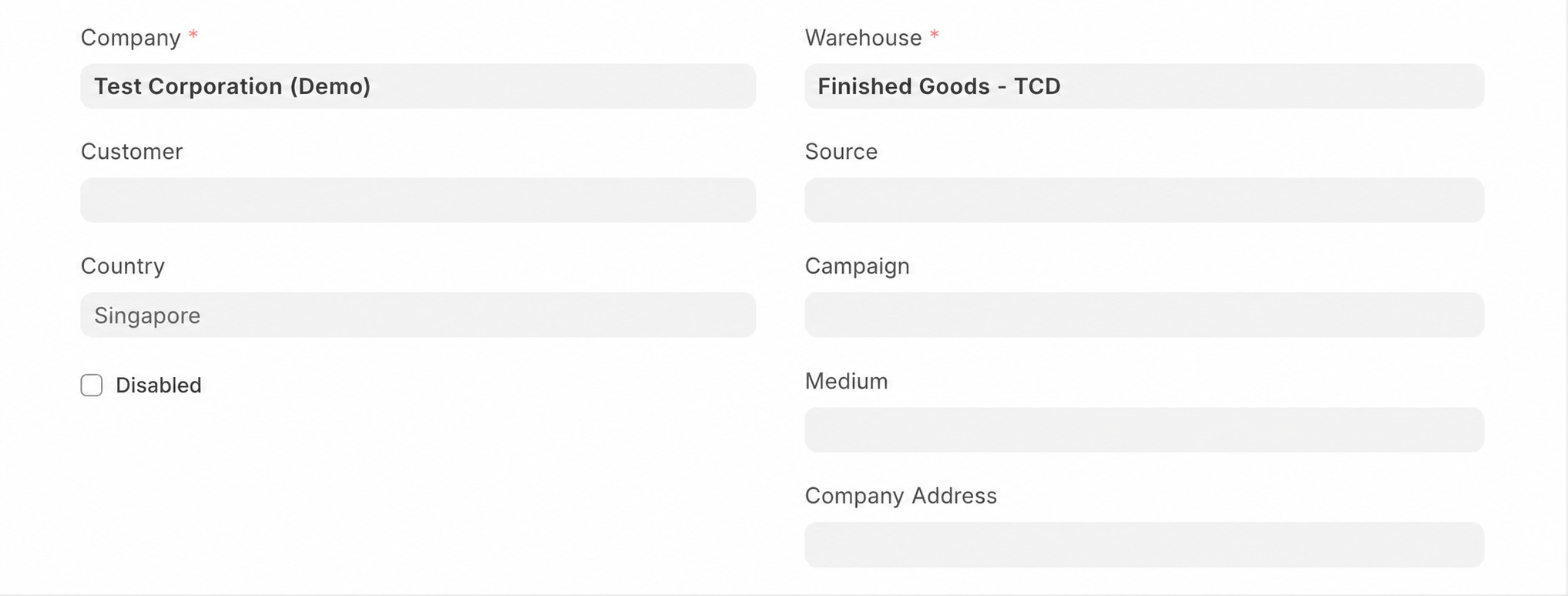
A Customer identifies the buyer. An Item identifies what is sold. A Price List supplies selling prices. A Warehouse identifies where physical stock is held. A POS Profile brings together the checkout settings and allowed payment methods for a counter or team.
Treat these records as operating controls. Two items with similar names can have different units, variants or stock treatment. Agree naming and pricing rules before training staff; this reduces mistakes that are difficult to spot during a busy queue.
Recording payment and collecting money
A payment method named Credit Card or PayNow classifies a receipt in ERPNext. Creating that method alone does not connect a terminal, generate a live payment request or verify money received. Without a separately configured integration, staff confirm payment with the provider or bank and record the matching amount in the POS.
Plan a small, realistic rollout
Prepare a training environment with representative products. Rehearse a normal sale, a cash sale with change, a split payment and an approved return. Test the receipt on the actual printer and check who can change prices.
Before live trading, confirm stock quantities, prices, tax treatment, payment accounts and staff access. Decide who reviews exceptions and closes each shift. ERPNext screens and posting behaviour vary by version and POS Settings; use the next guides alongside the configuration of your installation.
Common questions
Is ERPNext POS a payment terminal?
It is checkout software. A terminal or payment provider handles the collection of money unless an appropriate integration has been configured.
Does it replace every retail application?
Assess your specific workflow, hardware and integrations first. A successful demonstration with realistic scenarios is more useful than a generic feature list.
References and further reading
Prepared with Frappe documentation and the ERPNext v16 POS implementation. Check your installation’s settings when following these guides.